Signing In to NMA

Before starting a shift, responders will need to sign-in to the NMA device with their personnel number (previously called your Evolve number). This should already be available to you, if not, contact you coordinator.
1. From the NMA Home Screen tap the Crew icon
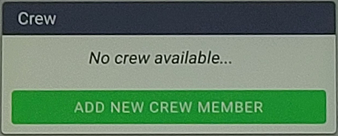
2. When you see this message, tap the green button, ‘ADD NEW CREW MEMBER’
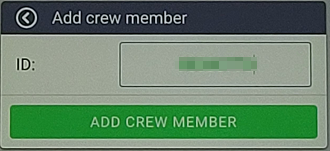
3. In this box, enter your personal number (also known as your Evolve number) if you don’t know what it is, ask your coordinator
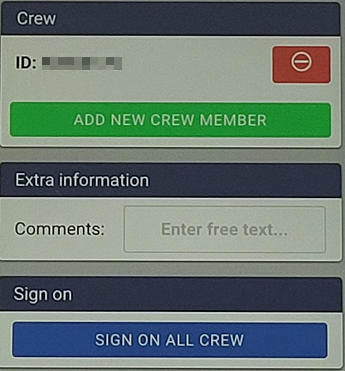
4. If there are two of you booking on, use the ‘ADD CREW MEMBER’ button again and input their personal number. Otherwise, press the blue ‘SIGN ON ALL CREW’ button
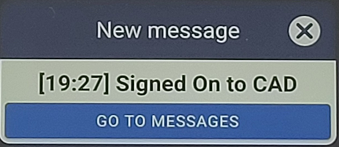
5. You will receive a message alert telling you you are booked on. Either use the Cross symbol at the top-right of the message to close the pop-up, or the blue ‘GO TO MESSAGES’ option
You are now signed-on and ready to respond.
