Signing out of NMA

When you have finished your shift, you need to sign out of NMA before switching off the phone.
1. From the NMA Home Screen tap the Crew icon
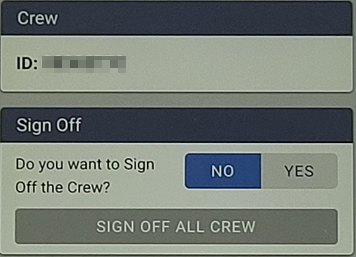
2. When presented with this screen, tap ‘YES’ then tap ‘SIGN OFF ALL CREW’
3. You will hear an audible confirmation that you have been signed off.
